
Replacement Printer for Commercial Flight Simulators
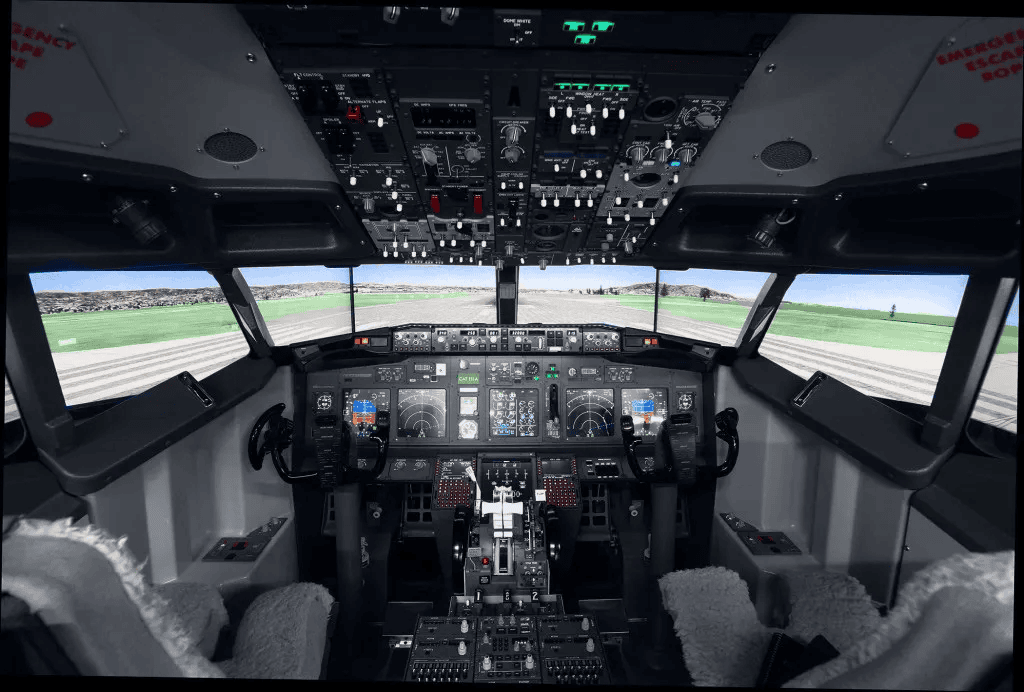
737 Flight Simulator Cockpit View
There are numerous older commercial flight simulators still operating in airport training facilities around the World.
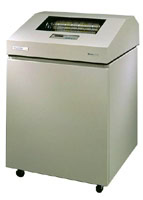
Line Printer
We have worked alongside a range of suppliers in this field, to extend the useful working life of the flight simulators, when their ageing Printronix, OKI Microline or Mannesmann Tally Line Printers have reached the end of their working life. After all, whilst planes remain in service for many years, there is still a need to train new pilots on them – so it is essential that a modern printer solution allows for the older flight simulators to remain in use.
The first issue we came across here, can be the need for an adapter for the specialist printronix connectors, which may have 4 rows of pins (50 way connector) – thankfully, these are still available from a company in Canada (although expensive). Thankfully, some later flight simulators did use a standard DB25 centronics cable. The Printronix range of printers also use their own printer control codes, so we have developed a dedicated Printronix software emulator which runs on the Retro-Printer module, supporting both the P-series and the S-series of control codes.
We even came across a flight simulator where the PC running the simulation was a Sun SPARCstation IPC (4/40) computer – this used a SNU 530-1662-01 cable to a Printronix P 6040L printer. Neither a PC nor the Retro-Printer module could read the data sent over the serial connection (although this may be because a 12v RS232 adaptor was required) so the customer wrote a Python script to send the printer spool directly to the Retro-Printer for processing).

Flight Simulator Sample Output
Once you have any required adaptors, connecting the Retro-Printer Module is then fairly straight-forward. It may need some additional configuration assistance from ourselves, which we can generally provide remotely, or on-site if required.
Another customer uses a PDP-11 16-bit minicomputers originally sold by Digital Equipment Corporation (DEC) to run their flight simulator, and they wanted to stream the output to a PC over TCP port 9100. Originally the PDP-11 computer was connected to a Texas Instruments Omni 810 Printer but the customer wanted to be able to capture that data and process it on the PC for more detailed reports. We therefore provided some custom code so that the output from the PDP-11 continues to be sent via its parallel printer port (excluding bit 8) and then the Retro-Printer Module acts as a simple streaming device – forwarding each incoming byte over ethernet to the PC.
Generally, the Retro-Printer module can provide a wide range of flexible solutions – by acting as a printer emulator, it can be used as an interface between the computer running the flight simulator and a printer or even a PC / SCADA system. Various commercial flight simulator companies have used the Retro-Printer to capture the data and either print to a modern USB (or network printer), or just create an electronic PDF file for long-term storage. This solution completely replaces the original dot matrix printer with a modern solution, at better value for money.
Indeed, one of the Flight Simulator companies recently emailed
“Everything is working well with the RetroPrinter, we don’t use paper anymore for the simulator!“
If you want to replicate this type of approach to modernise your use of a commercial flight simulator, please get in touch.

